







Desk Setup Tips for Focus and Comfort
Creating an effective desk setup is key to boosting your focus and maintaining comfort throughout your workday. Whether you work from home, in an office, or study at a desk, the right environment can help you stay productive and reduce stress. This guide offers practical tips for designing a desk setup tailored to your needs.
Why Your Desk Setup Matters
Your desk setup impacts how you feel and perform. A cluttered or uncomfortable space can lead to distraction, fatigue, and even physical discomfort. On the other hand, a well-organized and ergonomic workspace supports concentration, creativity, and good posture.
Choosing the Right Desk and Chair
Desk Size and Height
Select a desk that fits your space and work style. Ideally, the desk should offer enough surface area for your computer, notes, and any other tools you use regularly. The height should allow your arms to bend at about a 90-degree angle when typing or writing.
Ergonomic Chair
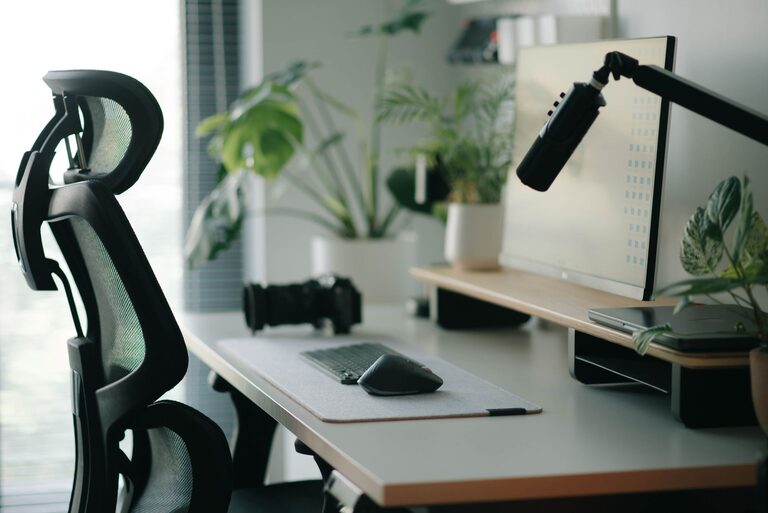
Invest in an adjustable chair with lumbar support. Your feet should rest flat on the floor, and your knees should be at or slightly below hip level. This helps prevent back pain and improves circulation.
Optimizing Desk Organization
Declutter Regularly
A tidy desk minimizes distractions. Remove unnecessary items and keep only what you need daily within reach. Use drawers or storage boxes for supplies to keep the surface clear.
Use Organizers
Desk organizers, such as trays, pen holders, and file racks, help keep everything in place. Label sections if that helps you quickly find what you need.
Cable Management
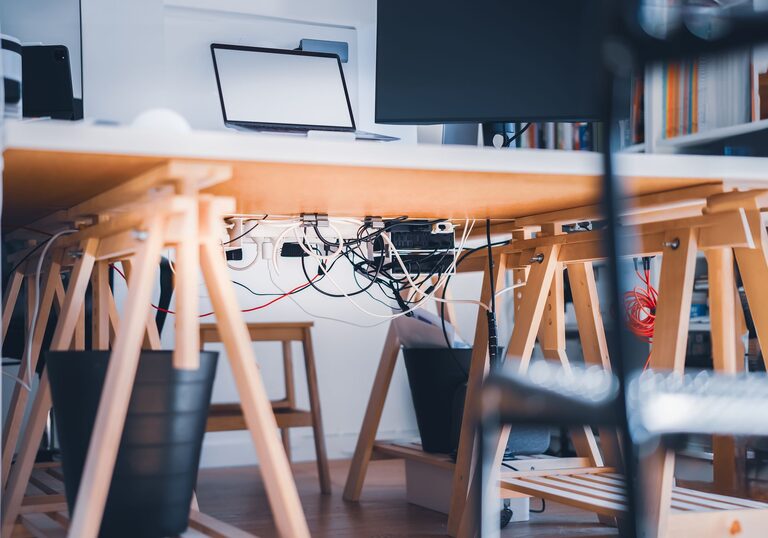
Tangled cables create clutter and can be frustrating. Use cable clips, sleeves, or trays to keep cords neat and out of the way.
Lighting Your Workspace
Good lighting reduces eye strain and keeps you alert.
– Position your desk near a window for natural light, but avoid glare on your screen.
– Use a desk lamp with adjustable brightness and color temperature.
– Consider warm lighting in the evening to help your body wind down.
Setting Up Your Computer and Accessories
Screen Placement
Place your monitor about an arm’s length away, with the top of the screen at or slightly below eye level. This reduces neck strain and helps maintain good posture.
Keyboard and Mouse
Keep your keyboard and mouse close enough to avoid reaching. Consider ergonomic versions if you type or click a lot to reduce the risk of repetitive strain injuries.
Adding Comfort and Personal Touches
Wrist and Foot Support
Ergonomic wrist rests and a footrest can make a big difference in comfort, especially during long sessions at your desk.
Plants and Decor
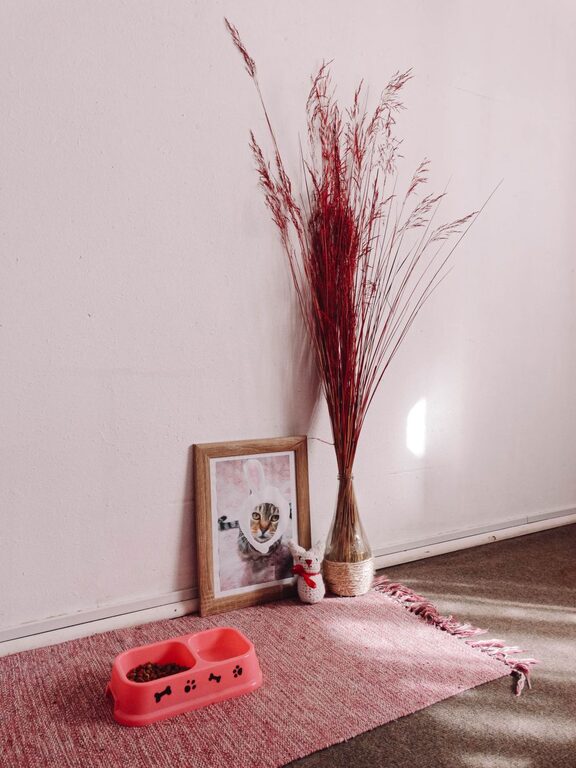
A small plant, photo, or artwork can personalize your workspace, making it more inviting. Greenery can also improve mood and air quality.
Establishing Healthy Desk Habits
– Take short breaks every hour to stretch and move around.
– Adjust your sitting position regularly.
– Keep water nearby to stay hydrated.
Conclusion
Your desk setup plays an important role in your ability to focus and stay comfortable throughout the day. By choosing the right furniture, organizing your space, optimizing lighting, and adding personal touches, you can create a workspace that supports productivity and well-being. Start with small changes and adjust as you learn what works best for you.